Your pelvic floor routine, done before the nap ends.
Guided sessions take about 2 to 5 minutes. Set a discreet reminder, practise on the sofa or in the parked car, and pick up where you left off when the baby wakes you up halfway.
Coming soon to iPhone and Android
- No account needed to start
- 7-day free trial for eligible new subscribers
- Cancel any time in your store settings
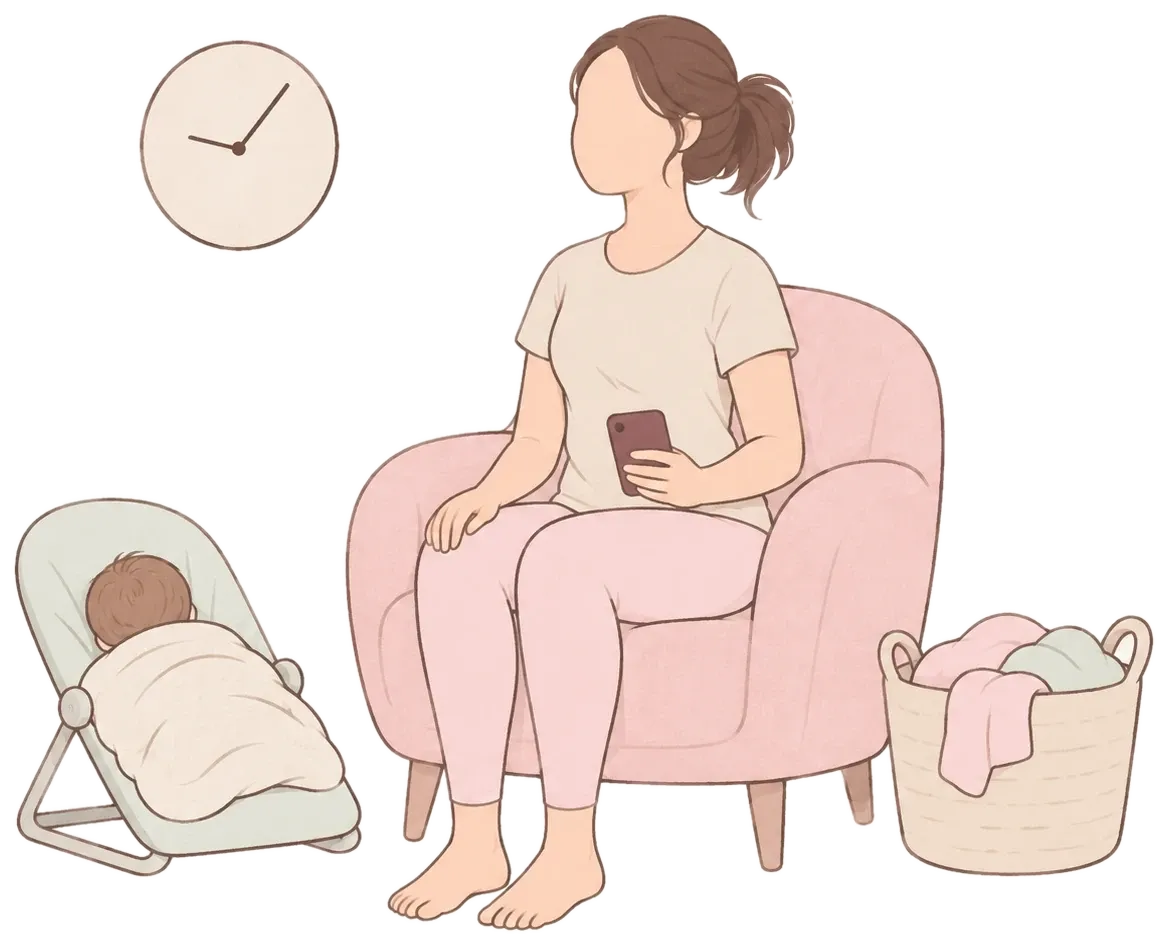

Sound familiar?
- You start every exercise video and finish none of them.
- Your reminders are buried under baby apps and group chats.
- You feel guilty about the days you skip.
- You want something you can do while sitting down.
After having a baby, it’s quite common to leak a bit of pee if you laugh, cough or move suddenly. Pelvic floor exercises can help with this.
How it works
A calm routine in three steps. Learn as much as you like along the way. The lessons are there when you want them, never required first.
Answer a few questions
A short safety check comes first. Then tell Kegel Nest what would help most, and it suggests where to begin.
Follow a short guided session
About 2 to 5 minutes. On-screen cues and optional gentle vibrations tell you when to lift and when to fully let go.
Watch your routine take shape
See the sessions you have done, in your own time. Missed days never make the program harder.


Made for this part of your life
No feeds, no leaderboards, no before-and-after photos. Just the parts that help you keep going.
Discreet reminders
You choose the days and times. Notifications never mention pelvic floors or symptoms.
Works offline
Download lessons and sessions, then practise anywhere, even without a signal.
Gentle restarts
Back after a break? The app offers a shorter, supported set instead of making you start over.
Private by design
This is personal. Kegel Nest has no community, no ads and no social sharing, so it stays between you and your phone.
- Kept out of analytics
- Your answers and check-ins never go into analytics or crash reports. Both are off until you turn them on.
- Quiet on your lock screen
- Reminders stay neutral, so nobody glancing at your phone learns anything.
Before you start
What if I miss days?
Then you miss days. There are no streaks to lose and no guilt messages. Missing sessions never makes the program harder, and after a break the app offers a gentler restart.
What if I’m interrupted mid-session?
The session pauses and waits. Nothing counts against you; resume when you’re ready or end it and come back later.
How long does a session take?
The guided sessions in the current program take about 2 to 5 minutes. You can pause at any time, and an interruption such as a call or a crying baby pauses the session until you choose to resume.
What does it cost?
Kegel Nest is a subscription bought through the App Store or Google Play. Eligible new subscribers get a 7-day free trial. You see the exact price for your country before you confirm, and you can cancel any time in your store settings.
Do I need an account?
No. You can start as a guest. If you want your progress on another phone later, you can link an account with Apple, Google or email.
Is this medical advice?
No. Kegel Nest is an exercise and education app. It does not diagnose conditions, check how well you are contracting or measure recovery. If something hurts, feels heavy or gets worse, stop and talk to a midwife, doctor or pelvic-health physiotherapist.
Try it for 7 days
Eligible new subscribers get a 7-day free trial. After that it’s $9.99 a month. Prices vary by country, and the store shows your exact price before you confirm.
- The full guided program, then an ongoing maintenance routine
- Every lesson, with audio and transcripts
- Reminders, offline practice and your progress history
- Optional check-ins and a shareable practice summary
$9.99per month
Cancel any time in your App Store or Google Play settings. Deleting the app doesn’t cancel a subscription.
Coming soon to iPhone and Android
Two minutes counts.
Set a reminder for the time of day that actually works for you.
Coming soon to iPhone and Android